Turn your Word manuscript into a finished book.
Preface is book formatting software for authors publishing their own work. It sets your manuscript for print and for ebook, checks the result, and writes the files you upload: a print-ready PDF, an EPUB and a print cover. It runs on your own Mac or Windows PC.
For Mac and Windows: an app you download and install. The whole of it works before you pay, except writing the finished file, so you can open your own manuscript and see it set before deciding anything. Your manuscript stays on your computer.
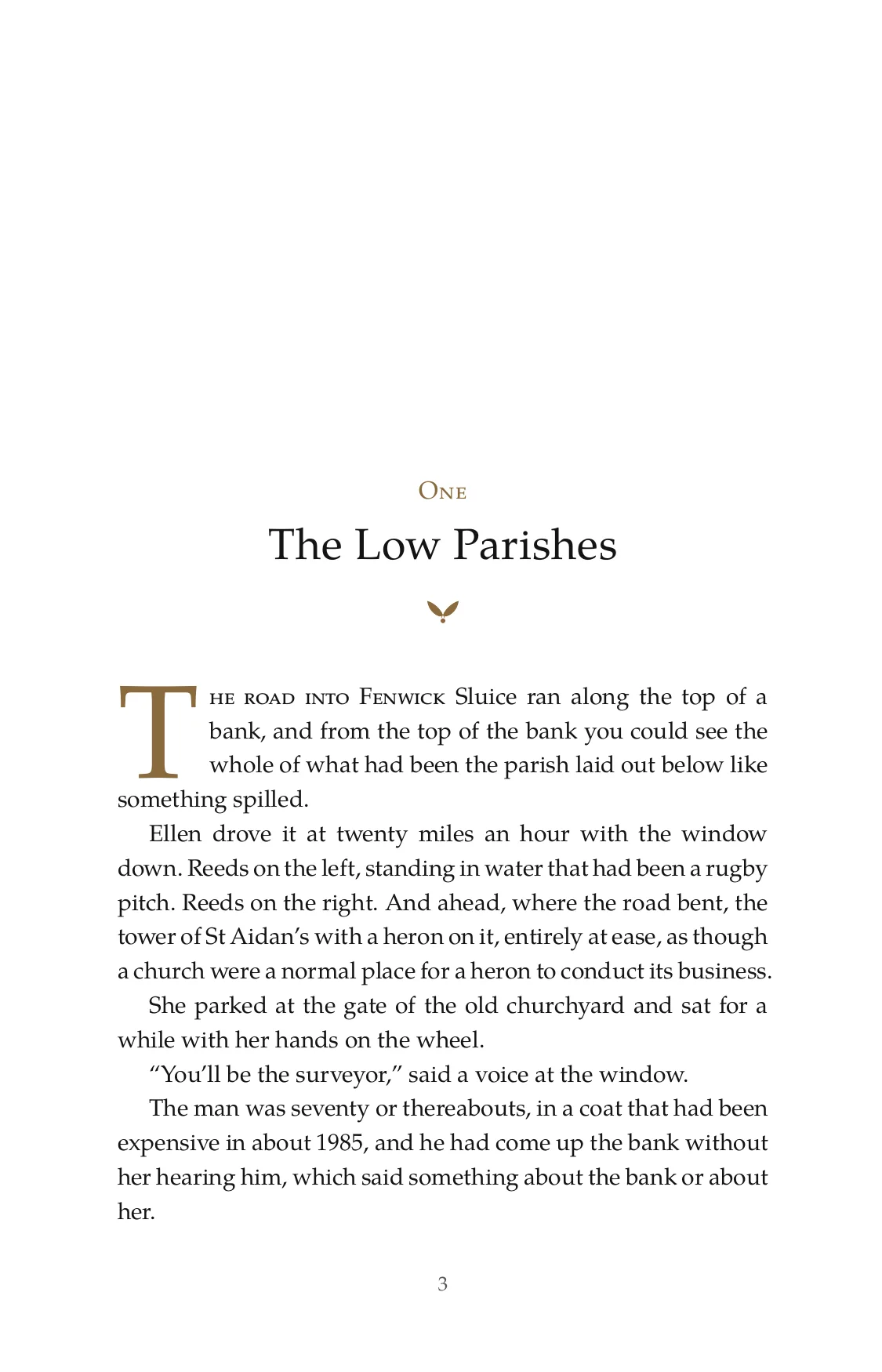
Set by Preface from a Word document.
Watch it happen
A Word document goes in. A set book comes out, with the files beside it.
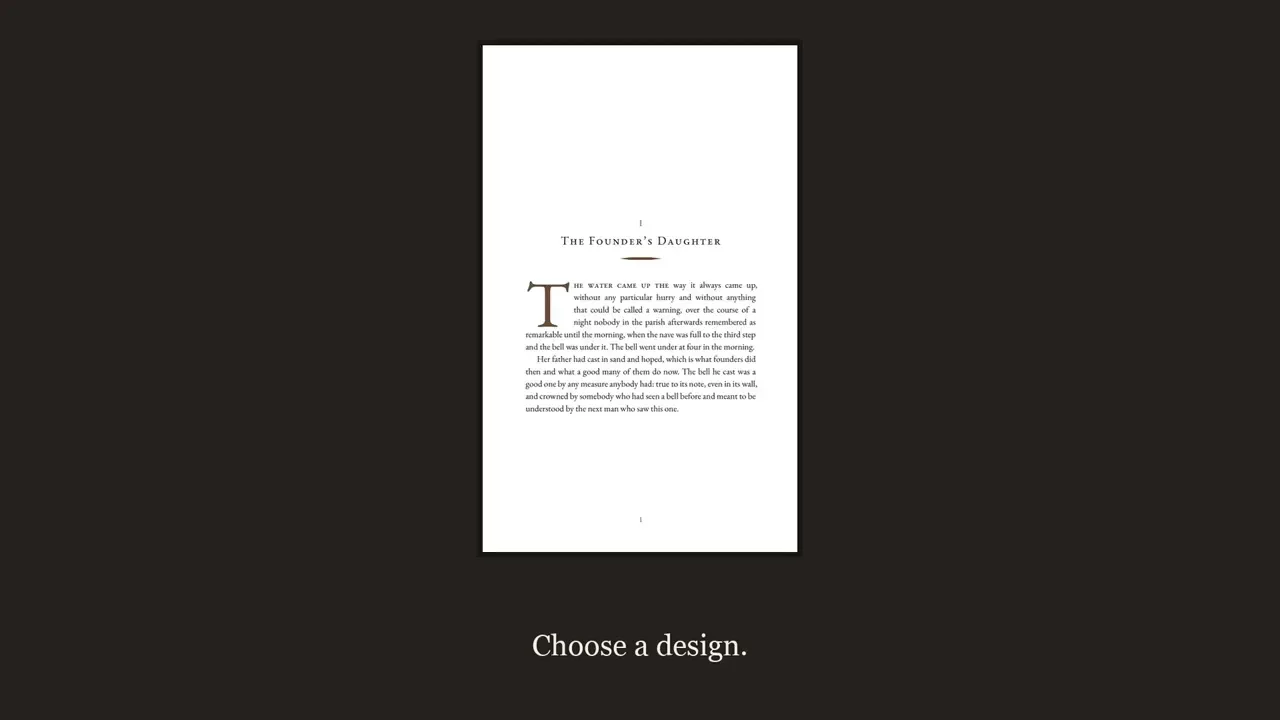
From the file you have to the files you upload
Open the Word document you have already written. Preface finds the chapters, the front and back matter and the scene breaks, sets the book in a design you choose, and writes the editions.
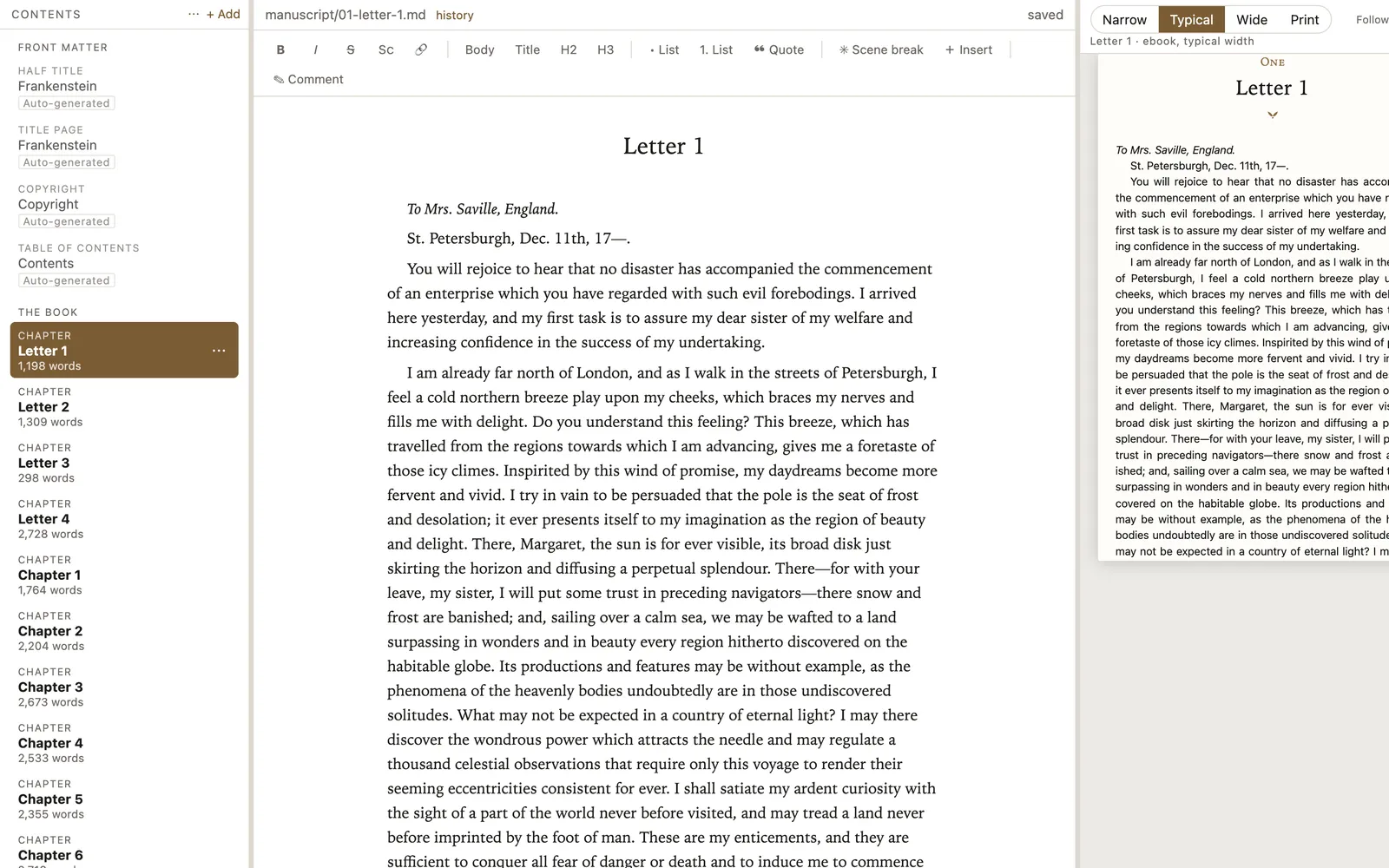
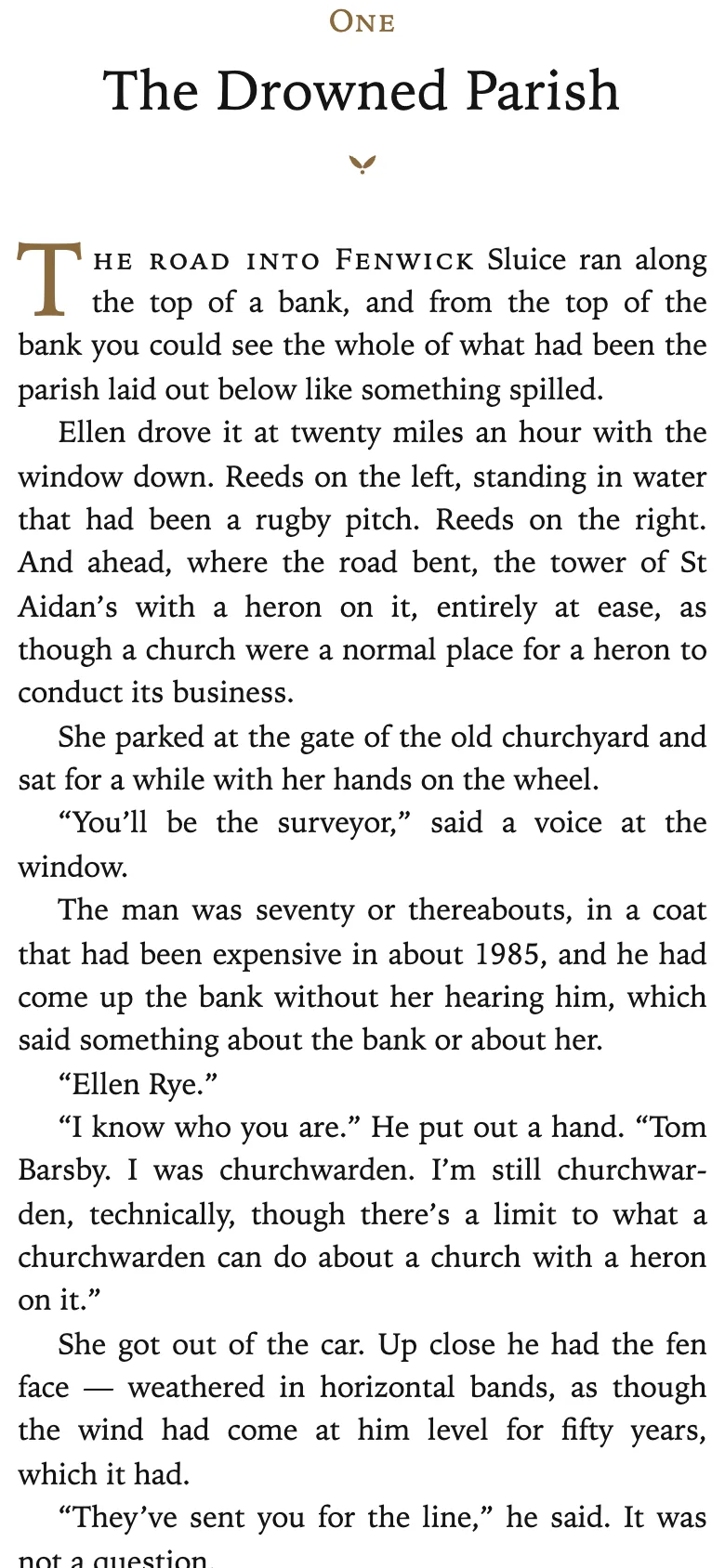
An ebook has no fixed page: it reflows to whatever screen it is opened on. The design goes with it.
What you leave with
Four things, written when you ask for them and not before.
- A print-ready PDF at your trim size, with every font embedded in it.
- An EPUB 3 designed to match the printed book rather than approximate it.
- A print cover on one sheet, with the spine worked out from your page count and your paper, and the bleed your printer asks for.
- Every check run first. Before it writes anything, Preface goes through the whole book: the details a store asks for, an ISBN that fails its own checksum, missing or empty chapters, pictures too coarse for the size they will print at, straight quotes and stray tabs left in the text, and a trim or page count the service printing your book does not offer.
You do not have to take that on trust. Here is a print-ready PDF and the EPUB that matches it, both written by Preface from this Word file. Open them and look.
What stays yours
Four things worth knowing before you install anything.
- Your manuscript stays on your computer. There is no Preface server it passes through, is copied to, or is stored on, and we cannot read it.
- You can try the whole application first. Everything works without a license except writing the finished file: import your book, set it in any design, run every check, and look at the finished pages.
- One purchase, nothing to renew. No subscription, and no date at which it stops working.
- Unlimited books, pen names and client work, with no fee per book.
Download Preface and try your book
For Mac and Windows. Open your own manuscript and see it set before you decide.